FIELD NOTE 01
Read the loop before optimizing it
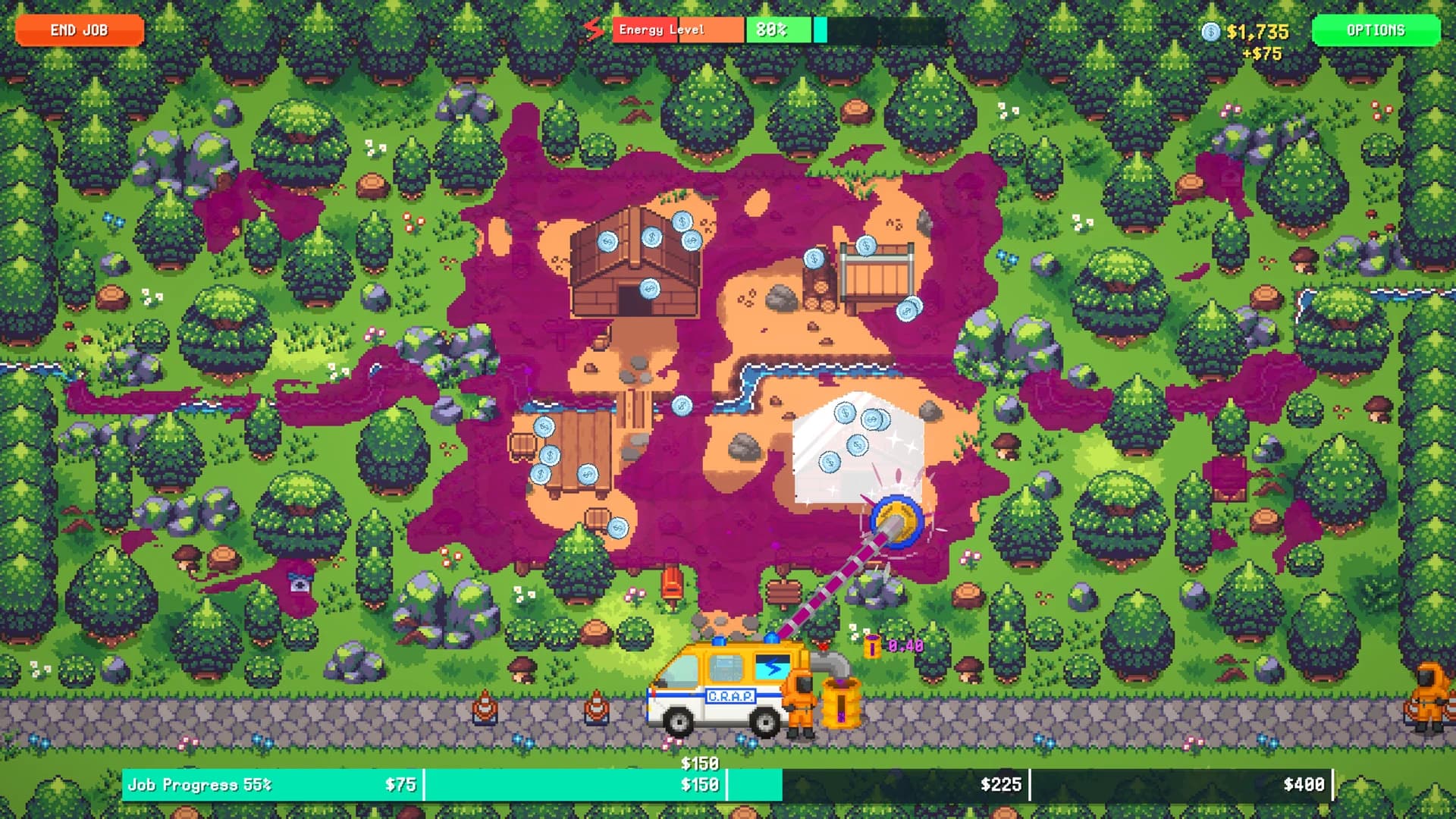
Cleaning is the visible action, but it is not the whole economy. Official store copy connects cleaning and mining to resources, refinery processing, cash, equipment upgrades, new areas and quests. A bottleneck at one stage changes the value of upgrades at another.
When progress feels slow, identify the handoff first. Are you waiting to collect, short on cash, unable to process, or missing an unlock signal? That diagnosis is more reliable than buying whichever node looks exciting.
FIELD NOTE 02
Choose upgrades with a stated goal
Write down the current rate, upgraded rate and cost shown in your game. When units match, absolute gain and payback give you a reproducible comparison. If two upgrades affect different systems, do not force them into one ranking.
The Upgrade ROI Calculator keeps this math local and manual. It deliberately has no hidden presets before current full-game values can be verified.
- Field speed: cleaning, movement or collection
- Capacity: how long you can work before a constraint
- Processing: refinery flow and output
- Progression: access, tools, quests or new areas
FIELD NOTE 03
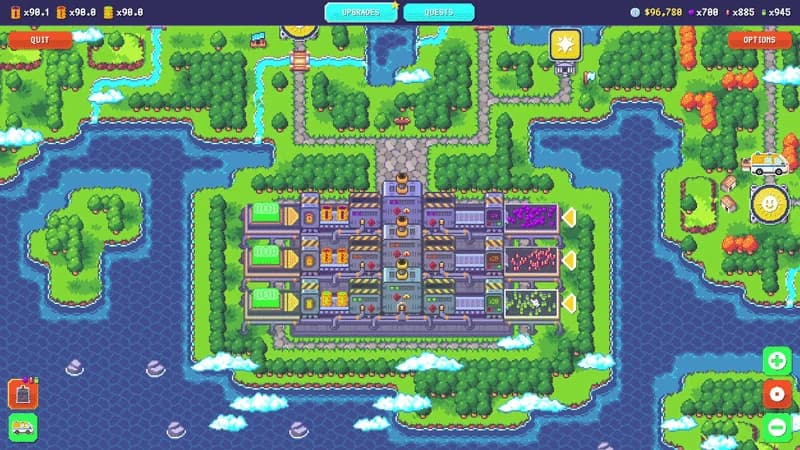
Use the refinery as a separate control point
The current game has multiple refineries, and official achievements confirm unlocking all of them and refining 500 barrels of pollution. Those milestones still do not justify a recipe database without exact inputs, outputs and timing.
A faster refinery can be valuable when processing is the bottleneck. It can be poor value when field work cannot supply it. Measure both sides instead of assuming every refinery purchase accelerates total progress.
FIELD NOTE 04
Advance without pretending the route is known
Jobs, quests, regions, game completion and purchasing all upgrades are current-confirmed progression targets. The exact region and quest order was not available at this check, so this guide does not publish a false walkthrough.
Use the Progress Tracker for objectives visible in your own game and the achievement tracker for the closed official 25-item set.
- Follow current objectives before grinding without a purpose.
- Revisit earlier work only when a new tool or upgrade changes the likely return.
- Keep Demo observations labeled until the same behavior is seen in the full release.
FIELD NOTE 05
Use the current full-release scope
The official launch announcement says the full version has a whole new map, progressively larger and more complex levels, new pollution, new quests, new and improved power-ups, tons of upgrades and abilities, refinery automation and drones. Those are current system boundaries, not a license to invent their exact order or numbers.
For planning the session itself, the developer estimates about four hours for the main game and another two to three hours for completionist play depending on strategy. The Game Length guide separates that estimate from a player's secondary range and the site's derived total.
EVIDENCE LOG